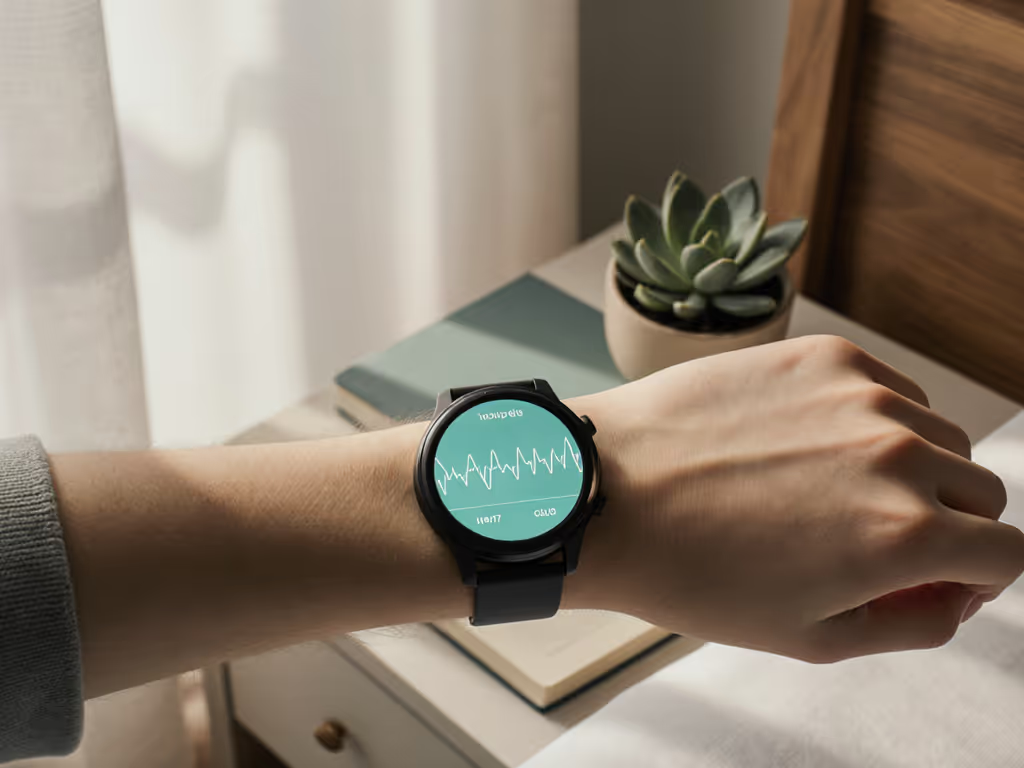
Fitness Trackers for Mental Health: Track Mood Patterns
10th May•9 min read
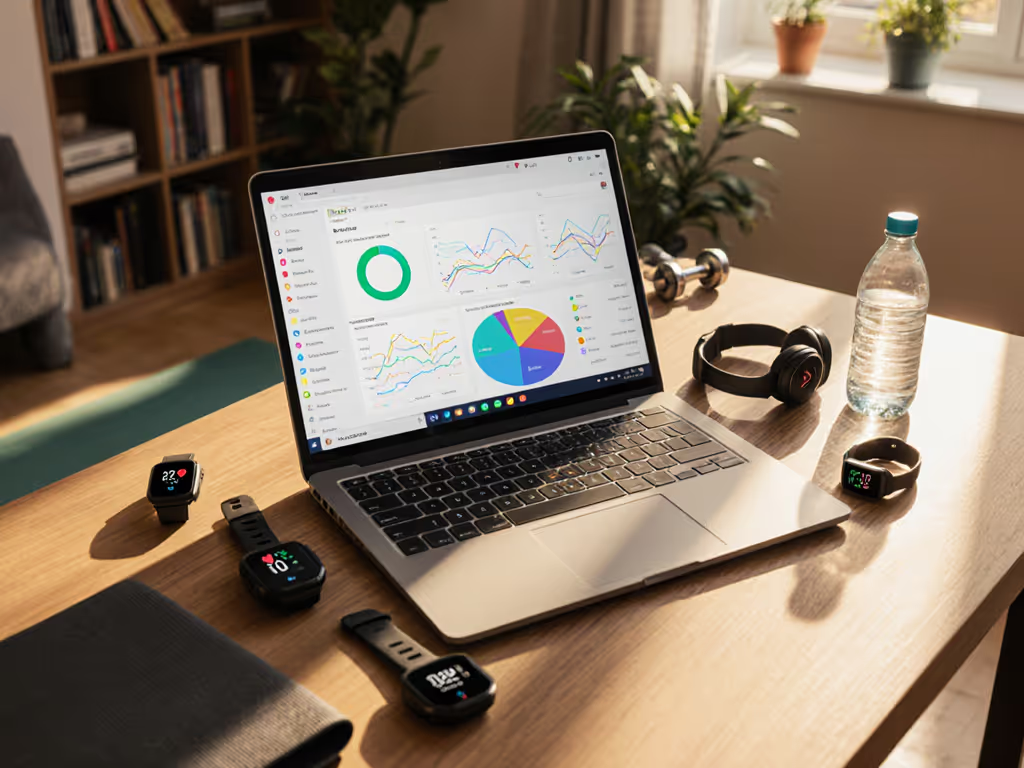
If your health data lives across Apple Health, Google Fit, and seven different apps, you're not just wasting time, you're missing the real story your body tells. True fitness tracker data integration should serve you, not the other way around. A genuinely unified health dashboard recognizes that your wrist size, skin tone, and daily routine aren't variables to ignore; they're core to accurate, actionable insights. I've seen how mismatched straps cause sensor lift during workouts, making heart rate bounce wildly while a rash spreads under the band. Comfort isn't a luxury; it's the literal foundation of reliable data. When your device fits poorly or irritates your skin, the numbers become meaningless. That's why I test wearables across diverse bodies before I even glance at the app. It's data integrity 101.
You've felt it: glancing at your wrist during HIIT only to see heart rate spike to 200 bpm when you're barely winded. Or waking up to "Poor Sleep" alerts after a solid night's rest because wrist movement from shifting positions (common for wheelchair users or parents soothing newborns) is misread as wakefulness. Understand how wearables detect sleep stages and where false positives come from in our sleep tracking science guide. For those with darker skin or tattoos, optical sensors often undercount steps or misread heart rate due to light absorption issues. These aren't "quirks"; they're data gaps amplified when platforms don't talk to each other. A fragmented system can't cross-reference your Oura Ring's sleep depth with Strava's HIIT load to warn you about overtraining. Worse, it ignores your reality: If your smartwatch band slips during stroller-pushing walks (a nightmare for small wrists), GPS drift turns a 3-mile walk into "5 miles of intense cardio." Accuracy fails when the tech isn't built for your body.
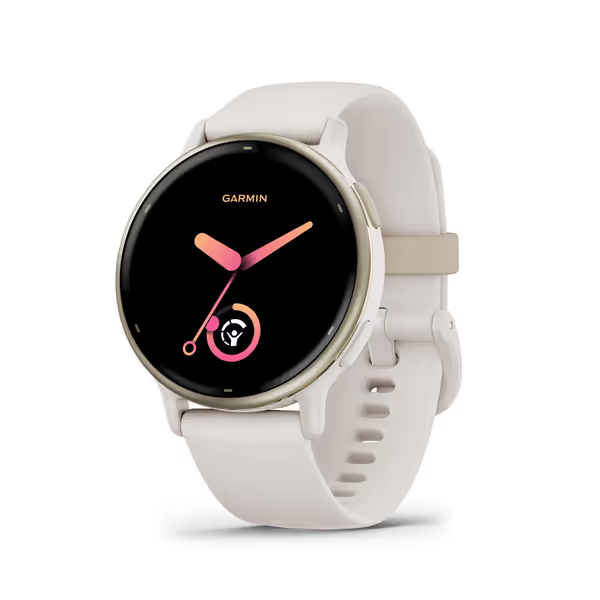
Think about the mental load: exporting Strava runs to Apple Health, logging menstrual cycles in a separate app, then manually adjusting nutrition data because Fitbit miscounted calories. It's exhausting. And it's why 68% of users abandon trackers within 6 months (a fact confirmed by 2024 Digital Health Retention Report). This isn't laziness, it's self-preservation. When your Garmin vívoactive 5's wheelchair mode tracks pushes accurately but won't sync to your gym's app, you're forced to choose between inclusivity and integration. The friction isn't in the technology; it's in how platforms ignore real-world diversity. If your device can't handle your wrist size, skin sensitivity, or shift-work schedule, health data consolidation feels like a betrayal, not a tool.
Comfort is a feature, start there, and the data will follow.
Forget "one-size-fits-most" bands. Measure your wrist properly: Small wrists (5.5-6") need 100-120 mm straps; large (7.5"+) require 220 mm+ to avoid sensor lift. For sensitive skin, swap silicone for nylon (like Garmin's QuickFit bands) or titanium (Oura Ring 4). I learned this after a silicone strap rash spiked my resting heart rate by 20 bpm (a "minor" irritation that skewed my recovery metrics for days). Apple Health compatibility works great only if your data gets there accurately. Test wearables during your actual activities: Does the band slip when you're pushing a stroller? Does the sensor read correctly over your tattoo during strength sets? Accuracy collapses without inclusive fit.
Not all third-party app integration treats your data equally. Look for platforms using Health Connect (Android) or Apple HealthKit that harmonize metrics before analysis. Example: Google Fit connections can pull resting heart rate from Oura and Garmin, but only if they standardize readings across skin tones. Platforms like FineGym use API aggregators to adjust for optical sensor bias, translating darker-skin HRV data into reliable readiness scores. If HRV is new to you, start with our HRV accuracy guide. Avoid services that treat Female Health as an afterthought; your cycle phase should influence recovery metrics, not trigger generic "low energy" alerts. True health data consolidation means your night-shift patterns aren't flagged as "insomnia" because the app assumes you sleep 10 PM-6 AM.
Your dashboard shouldn't drown you in metrics. Seek tools that prioritize meaningful correlations:
Services like FitnessSyncer let you filter data by your priorities, like hiding "calories burned" if your wrist size causes inaccuracies, and spotlighting hydration alerts during night shifts. Ask: Does this platform explain why your stress score spiked? ("Due to low HRV + irregular sleep timing" beats "Stress: High"). To interpret readiness, Body Battery, and strain scores without guesswork, see our recovery metrics guide. If it hurts or shames you, it won't be used.
Stop fighting mismatched apps. Audit your current stack: Which devices actually work with your wrist size and daily routine? Ditch the tracker that slips during your commute, even if it's "premium." Next, enable Google Fit connections or Apple Health compatibility in one central app (like Strava or MyFitnessPal), then prune the rest. For deeper integration, tools like Terra API connect 99% of wearables (including niche devices for prosthetic users) into a single dashboard. Try this today:
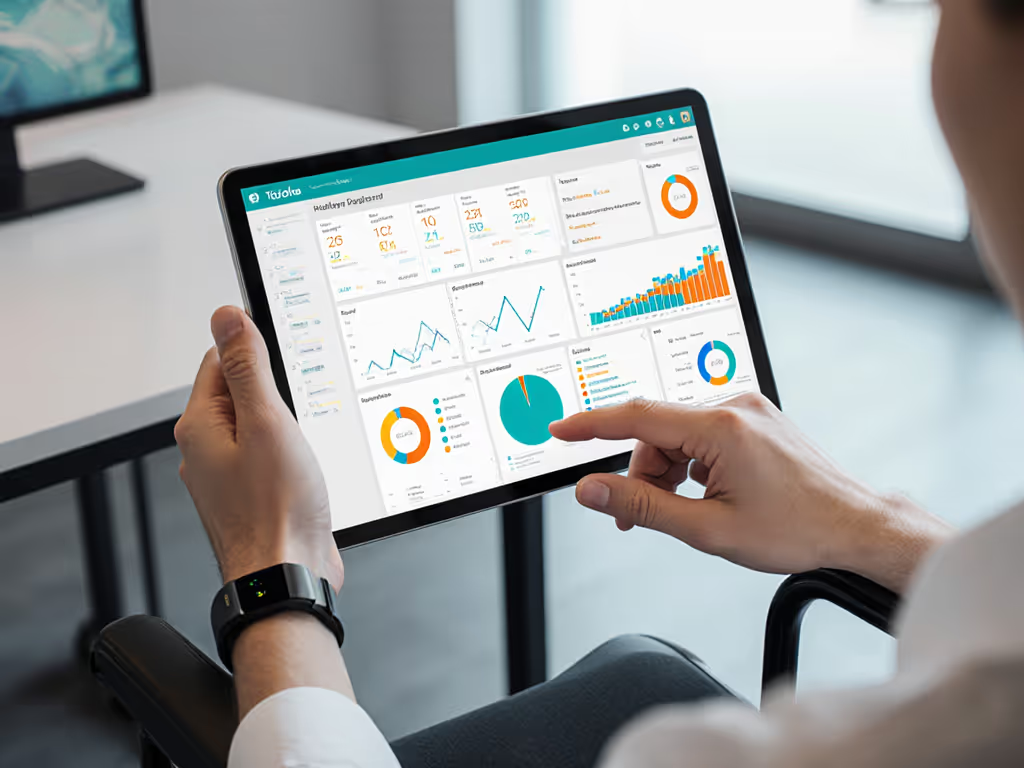
Your body's data is too valuable to fragment. A unified dashboard isn't about more numbers, it's about trustworthy insights that respect your skin, your schedule, and your sanity. When comfort drives design, accuracy follows. Build for your body first, and the data will finally make sense.